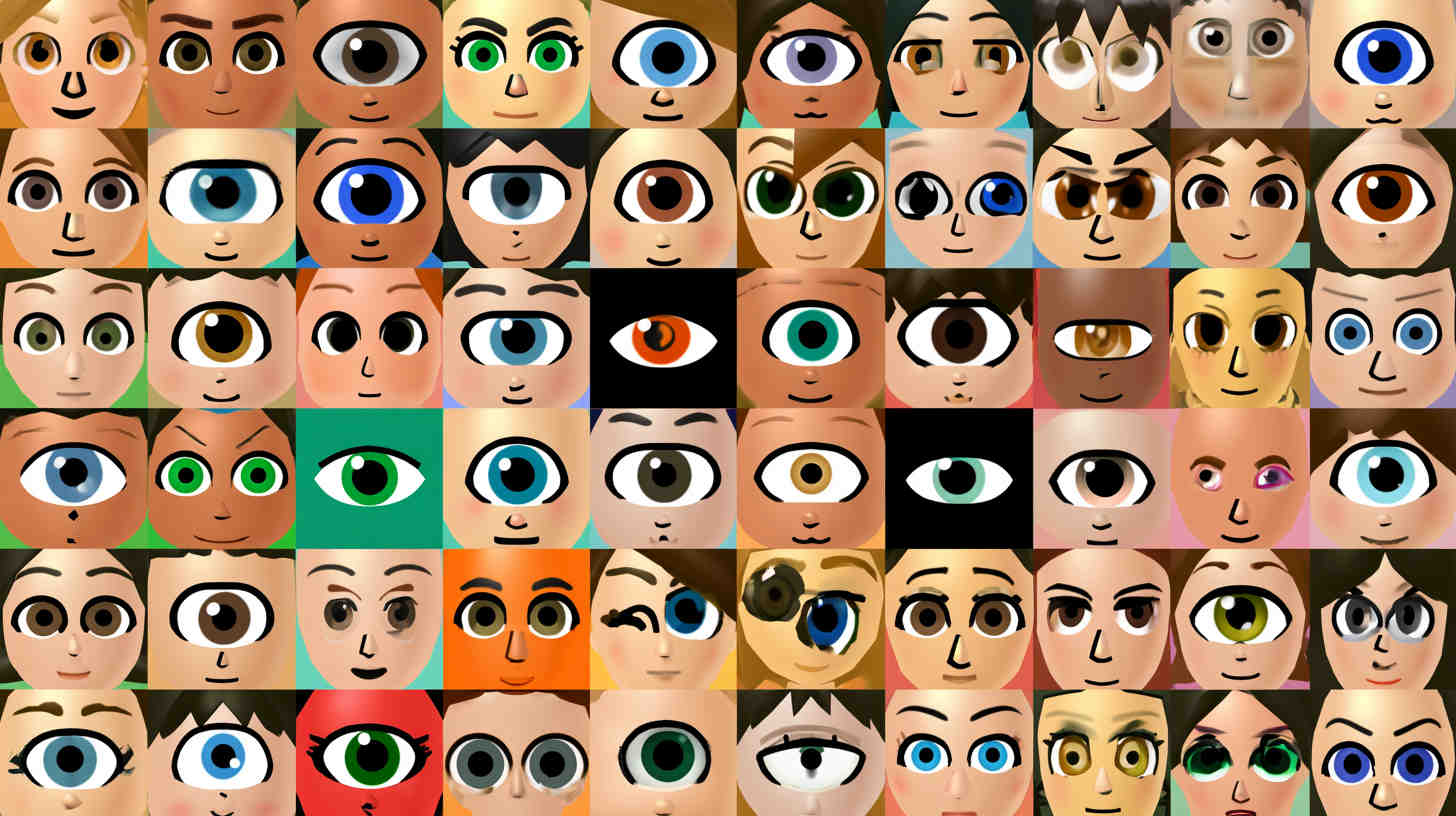
Eyes make or break a Mii. You can nail the hair, the skin tone, and the outfit, but if the eyes are wrong, the whole character falls apart. In Tomodachi Life and Tomodachi Life: Living the Dream, the eye editor is one of the deepest parts of the Mii Maker, packed with shapes, sliders, and a few hidden extras that most players never stumble onto. This guide breaks down every eye type, how the sliders actually work, and how to unlock the special quirks tied to eyes so you can build sharper, more expressive Miis every time.
Why Eyes Matter So Much in Mii Design
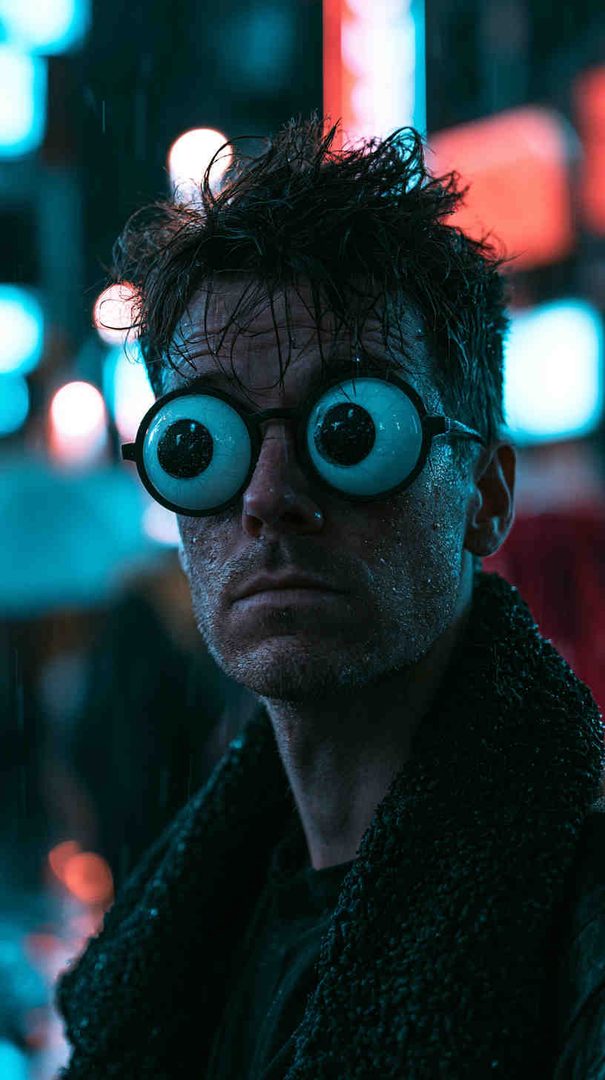
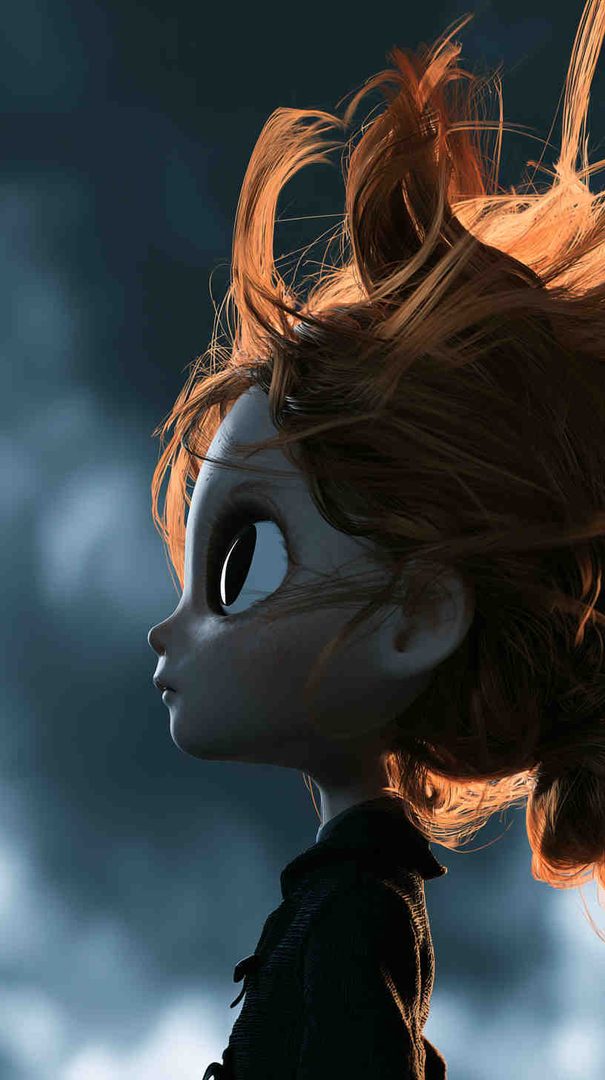
The eyes sit at the center of a Mii’s face and do most of the emotional heavy lifting. A slightly narrower shape can turn a cheerful Mii into a smug one. A higher placement can make a character look surprised even at rest. Because Mii faces are so simplified compared to a real photo, small eye adjustments carry a lot of visual weight. That’s exactly why the Mii Maker gives you so much room to fine-tune them instead of locking you into a handful of presets.
If you’re trying to recreate a specific look — a celebrity, a friend, an original character — the eyes are usually where you should start and where you’ll spend the most time.
Getting Into the Eye Editor
When you’re building or editing a Mii, open the “From Scratch” creation path and work your way to the facial features section. Eyes come with their own dedicated screen, separate from eyebrows, nose, and mouth, so you can focus entirely on shape and positioning without other features distracting you visually. You can always back out and adjust eyebrows afterward to frame whatever eye shape you’ve chosen.

The Core Eye Types
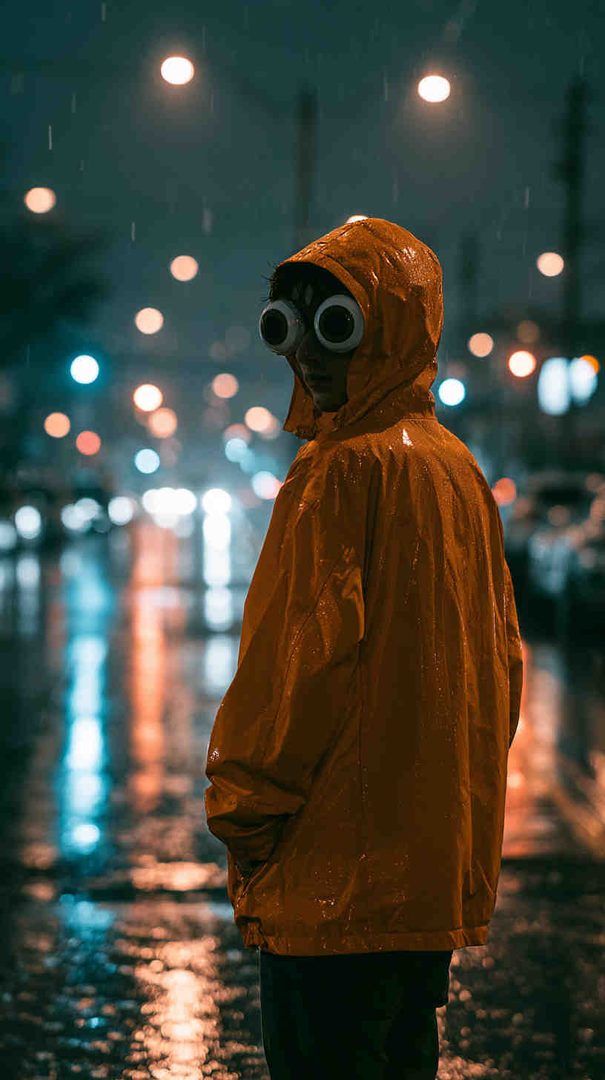
The eye type selector scrolls through a wide range of base shapes, and every one of them behaves differently once you start adjusting sliders. Broadly, they fall into a few families:
Classic round eyes — simple, friendly, rounded shapes that read as approachable and youthful. These are the easiest to work with for beginners and form the backbone of most “cute” Mii designs.
Narrow or slanted eyes — flatter, more angular shapes that lend themselves to serious, confident, or intense expressions. These work well for stern characters, older Miis, or anyone you want to look composed rather than bubbly.
Dot and simple line eyes — minimal, almost cartoonish shapes. They’re great for exaggerated or comedic Miis, and because they’re so plain, they respond dramatically to size and stretch changes.
Half-closed and sleepy eyes — shapes that are naturally lidded, giving a relaxed, tired, or laid-back impression without needing extra slider work.
Detailed anime-style eyes — larger, more elaborate shapes with visible highlights and pupil detail built in. These are the go-to choice for stylized or anime-inspired Miis, since they carry more visual information on their own.
Scroll through all the available types before committing to one. It’s tempting to grab the first shape that looks “close enough,” but the type you start with limits what the sliders can realistically achieve, so a few extra seconds of browsing saves a lot of slider frustration later.

Mastering the Eye Sliders
Once you’ve picked a base type, five sliders give you fine control over the final look:
- Size — scales the eyes up or down. Larger eyes generally read as younger or more expressive; smaller eyes look more mature or reserved.
- Stretch — adjusts horizontal width independently of overall size, letting you make eyes narrower or wider without changing their height.
- Rotation — tilts the eyes inward or outward. Slight outward rotation tends to look sharper or more serious, while inward rotation can look softer or more curious.
- Spacing — controls how close together or far apart the eyes sit. Wider spacing often looks more innocent or surprised; closer spacing looks more focused or intense.
- Height — moves the eyes up or down on the face. Even a one-notch change here can shift a Mii’s entire expression, since it affects how much forehead versus lower face is visible.
Each slider typically has seven steps, and the combinations run into the thousands, which is why two Miis using the same base eye type can look completely different. Small changes compound quickly, so when you’re chasing a specific look, adjust one slider at a time and check the preview after each change rather than moving several sliders at once.
Building Distinct Looks with Eye Combinations
A few reliable starting points to build from and adjust to taste:

- Cute or youthful look: round base type, slightly larger size, neutral rotation, eyes spaced a bit closer together than default.
- Serious or mature look: narrow or slanted base type, medium size, slight outward rotation, standard spacing.
- Sleepy or relaxed look: half-closed base type, medium size, slight inward rotation, standard spacing.
- Exaggerated or comedic look: dot or simple line base type, larger size, neutral rotation, wider spacing.
Treat these as starting coordinates, not final answers. Nudge each slider a step or two and compare against the live preview, since lighting and face shape can make the same numbers look different from Mii to Mii.
Don’t Forget the Eyebrows
Eyebrows aren’t part of the eye type list, but they directly change how the eyes read. Aligning eyebrows close to the top of the eye shape can create the illusion of eyelashes or add extra intensity. Raising eyebrows higher opens up the expression and makes a Mii look more alert or surprised. If an eye shape feels almost right but not quite, adjusting the eyebrows above it is often the missing piece rather than going back to change the eyes themselves.
Testing Eyes in Motion
The Mii Maker preview is static, but Miis are animated constantly once they’re living on your island — talking, blinking, reacting to news, sleeping. Eye shapes that look great standing still can stretch or distort oddly during animation, especially at extreme rotation or size values. Before finalizing a design, it helps to imagine (or actually check in-game) how the eyes hold up while a Mii is mid-conversation, since that’s when you’ll actually be looking at them most.
Unlocking Special Eye-Related Quirks
Beyond the base eye types and sliders, Tomodachi Life: Living the Dream includes Little Quirks that affect how a Mii’s eyes behave outside the editor. The Closed Eyes Little Quirk, for example, is unlocked once your island’s Wishing Fountain reaches Level 25 and a Mii makes a wish there. Reaching higher Wishing Fountain levels continues to unlock additional Little Quirks over time, so keeping Miis visiting the fountain regularly is worth doing if you want access to every quirk, eye-related or otherwise.
Progress toward these unlocks happens naturally as your island develops, so there’s no shortcut beyond encouraging Miis to interact with the fountain consistently and letting the level climb.
Final Tips for Better Mii Eyes
- Start broad with the base eye type before fine-tuning sliders — the type sets the ceiling for what’s achievable.
- Change one slider at a time so you can tell exactly which adjustment improved or hurt the look.
- Use eyebrows to reinforce or soften whatever expression the eyes are giving off.
- Save reference combinations you like, since strong eye setups can be reused as a base for entirely different Miis later.
- Check how eyes hold up in motion, not just in the static preview.
Eyes are the single most impactful feature in the entire Mii Maker, and once you understand how the base types and sliders interact, you’ll be able to hit the exact expression you’re going for far more consistently — whether that’s cheerful, serious, sleepy, or anything in between.
Please share this Tomodachi Life Eyes Guide: Unlock Every Eye Type with your friends and do a comment below about your feedback.
We will meet you on next article.
Until you can read, Teacher Nail Ideas: Simple, Cute & Classroom-Safe